How to plant trees with the wizard
The Layer 2 Wizard
In order to purchase an NFT from the Wizard, you need to own a digital crypto wallet. The Wizard’s wallet of choice is the Looping L2 Wallet.
The Loopring L2 Wallet is a faster and cheaper alternative to traditional L1 Ethereum wallets and users pay only around 1% of the L1 gas fees.

How to create your first L2 wallet
Step 1:
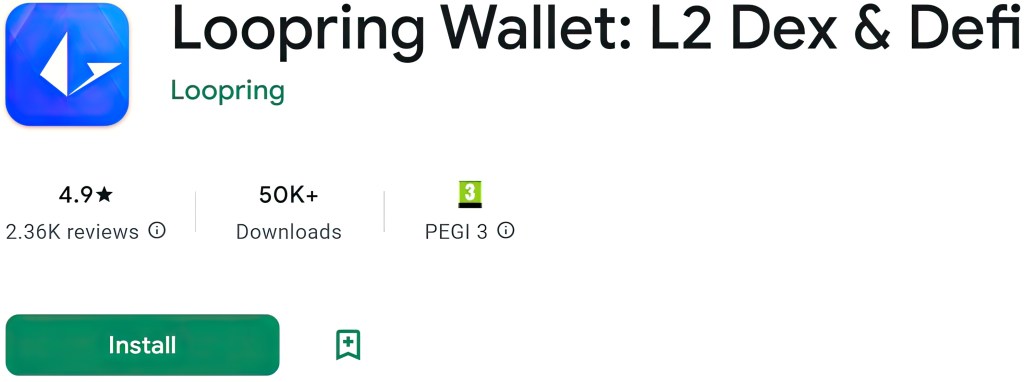
Install the Loopring Wallet app on IOS or Android
Step 2:
Create Wallet

Step 3:
Choose creation method
Use Email or Phone number

Step 4:
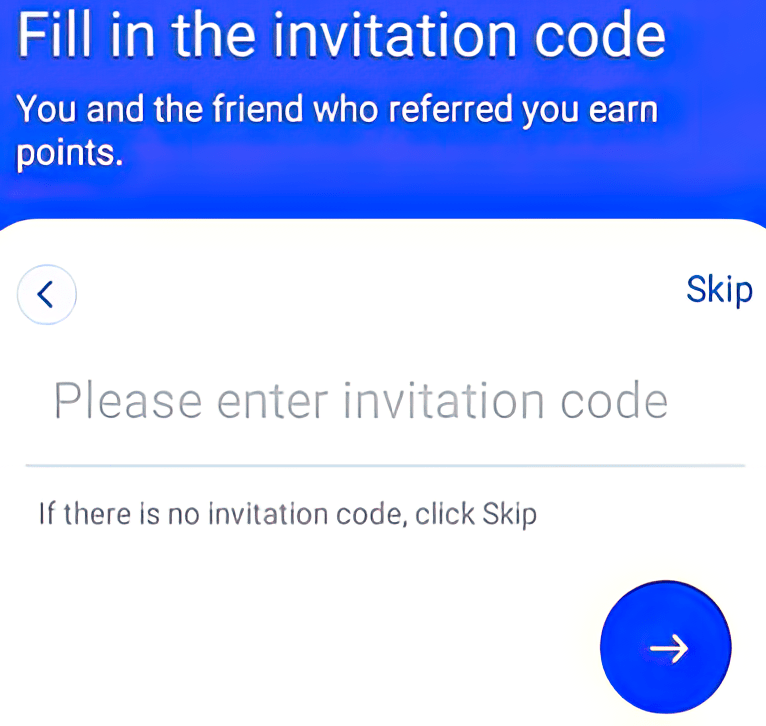
Fill in the invitation code
You can use the wizards invitation code and you both receive rewards!
WIZCODE: (008115)
Step 5:
Activate Loopring Account!

Step 6:
Follow the steps in the Loopring Wallet App
From this point, the process is fairly easy and self-explanatory – Just follow the steps and activate your wallet and now you are ready to purchase and receive your first NFT!

How to purchase your first wizard NFT
All of the Wizard’s NFT-collections are available on Loopexchange – ”A marketplace for all Loopring Layer 2 creators and collectors.’‘
Step 1:
Navigate to the Loopexchange site

Step 2:
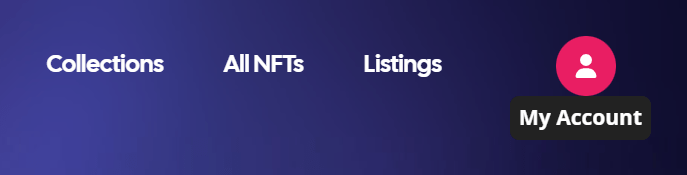
Connect your wallet and login to Loopexchange
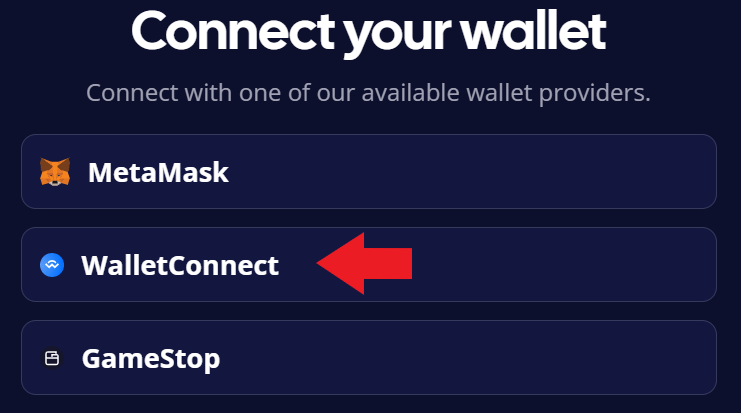
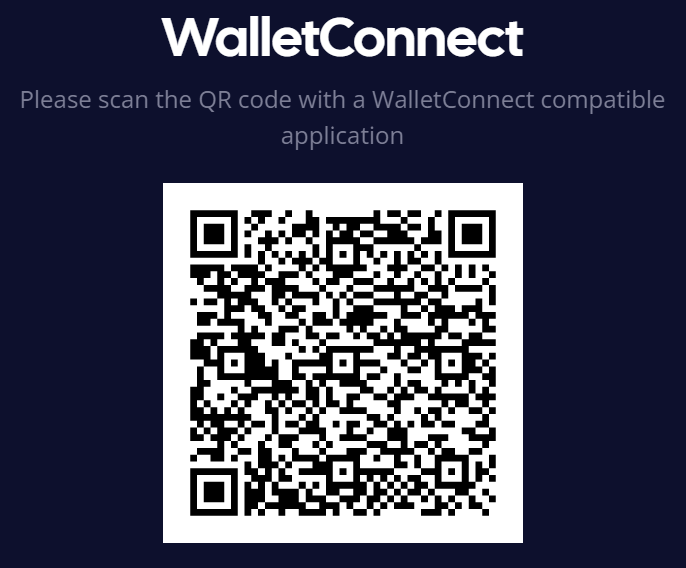
(Scan with your Loopring wallet!)
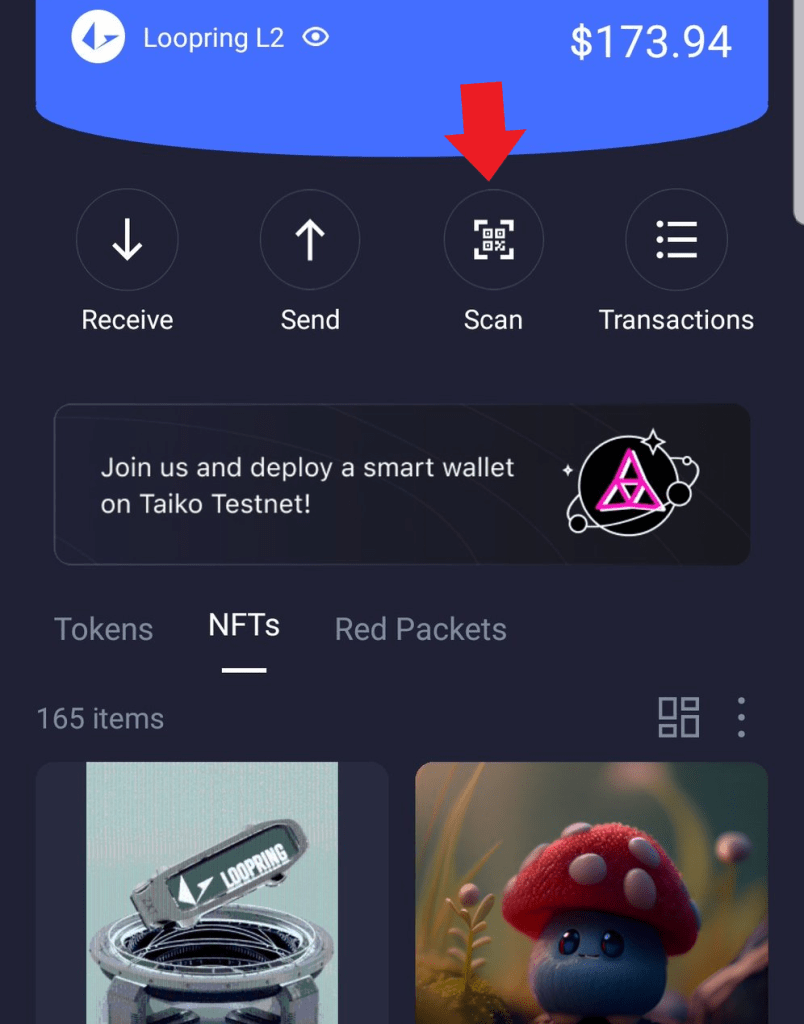
Step 3:
Navigate to the Wizard’s Collections

Step 4:
Choose your favorite NFT and Buy!
(Remember to accept purchase in your Loopring App!)
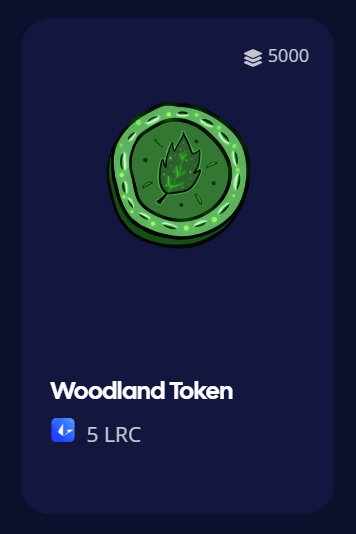
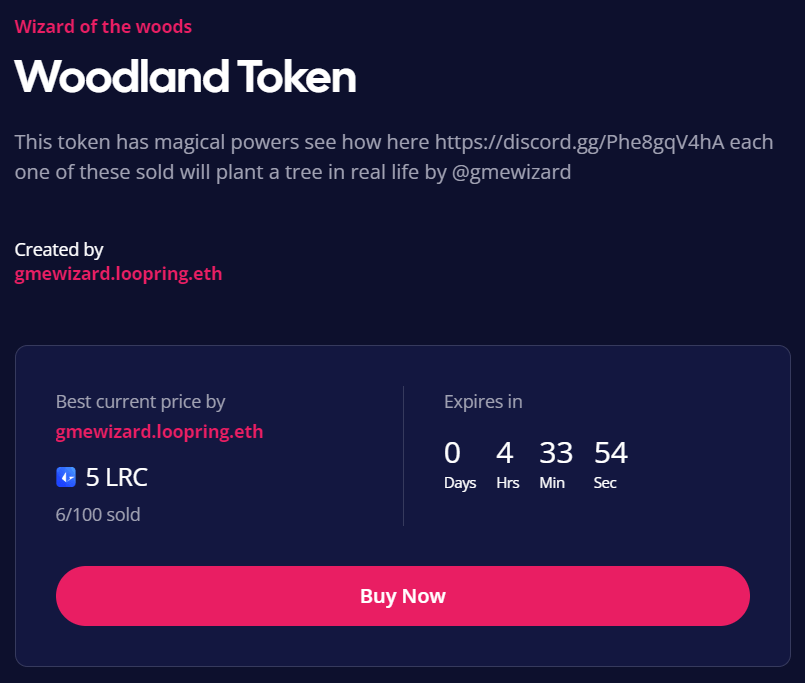
Congratulations – You now own a Wizard NFT!
You successfully contributed to the Forest Repopulation Project and the Wizard will now use your payment to plant and care for the trees in the woods!
Choose your first NFT


 Gmewizard